
WimMoney
Where is my Money
The smart way to manage expenses
Track deine bereits getätigten und zukünftige Ausgaben.
In today's world, keeping track of spending is becoming increasingly difficult.
In particular, the payment method (BNPL) “Buy Now, Pay Later” is tempting to quickly buy something even if the money is not currently available.
Some people lose track and are surprised that by the beginning of the month there's practically nothing left of their monthly salary.
WimMoney (Where is my Money) can help you keep track of your finances.
Recurring income and expenses are automatically entered at the beginning of the month.
In addition, there are the BNPL payments. This way you know exactly how much money you have available at the beginning of the month.
Any number of accounts (categories) can be created for, e.g., household expenses, project costs, vacation expenses.
Cost drivers can be easily identified through evaluations and powerful filtering functions.
When on vacation or traveling, amounts are entered directly in the local currency and automatically converted to the user's home currency. Exchange rates are updated with a single click.
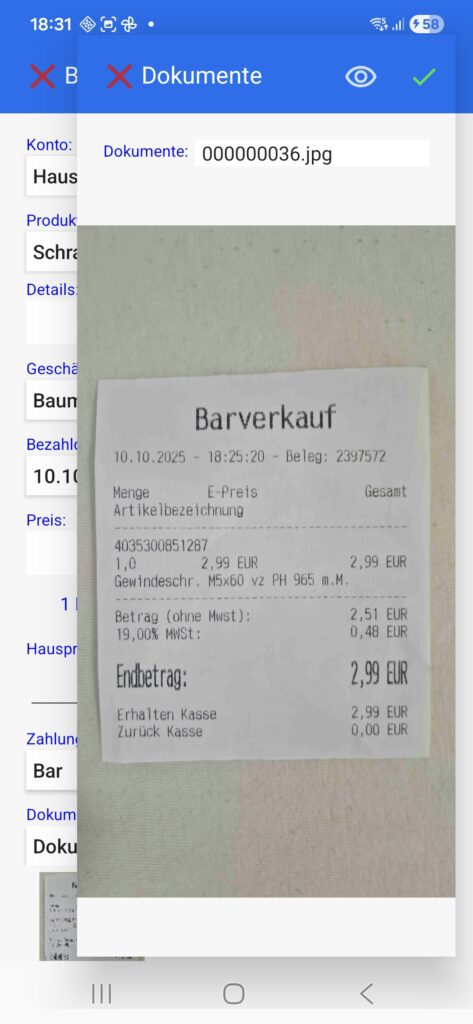
Need to collect receipts? WimMoney takes care of that too. Simply buy the item, photograph the receipt, and assign it to the corresponding transaction.
Advantages
- No registration required
- Kostenlose Download und Testphase
- No need to enter personal data or bank details
- One-time purchase
- Lifetime updates
- Install once on all devices of a Google account
- Also very suitable for children and teenagers, as no real money transactions are carried out
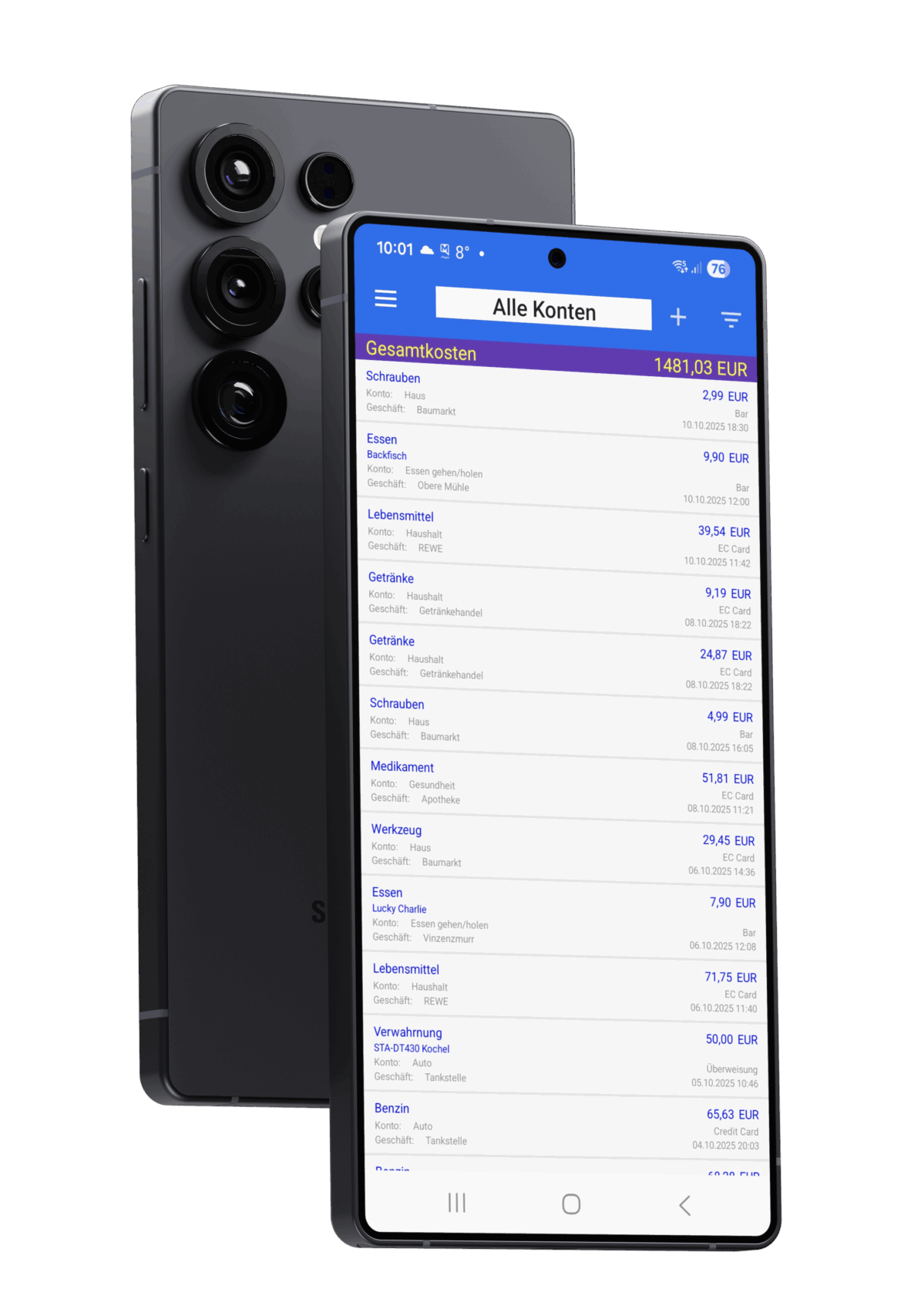
All the features that make WimMoney so powerful
Booking list
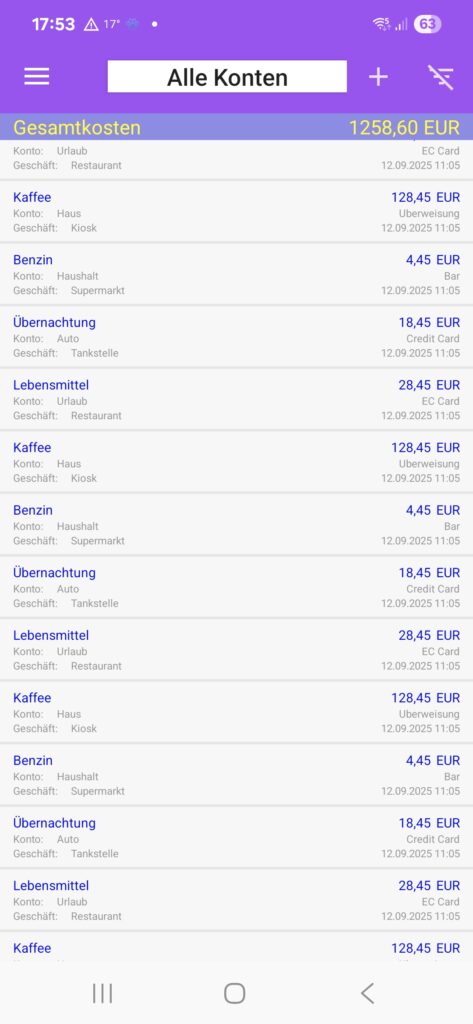
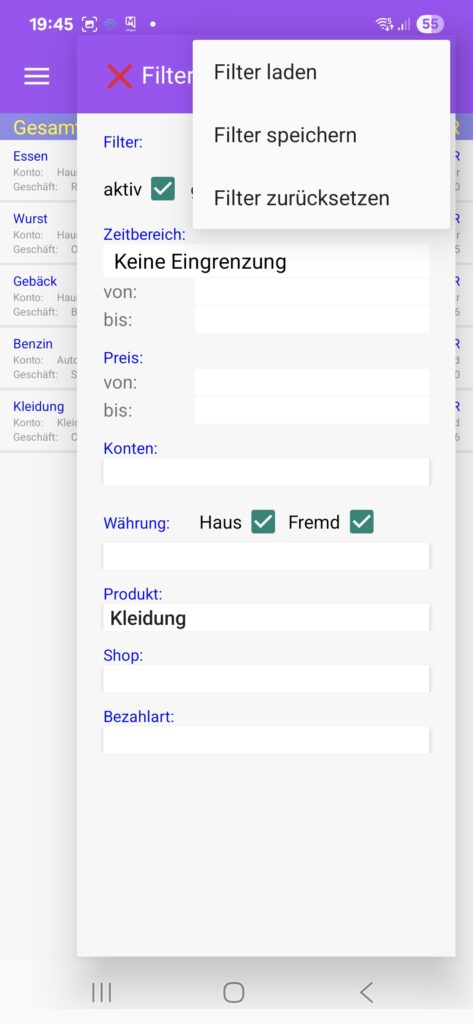
On the main page, you'll see the transaction list. This list displays the transactions for all accounts or for a specific account.
Using the filter function, you can narrow the list down to your exact needs. You can create as many filters as you like.
Master data
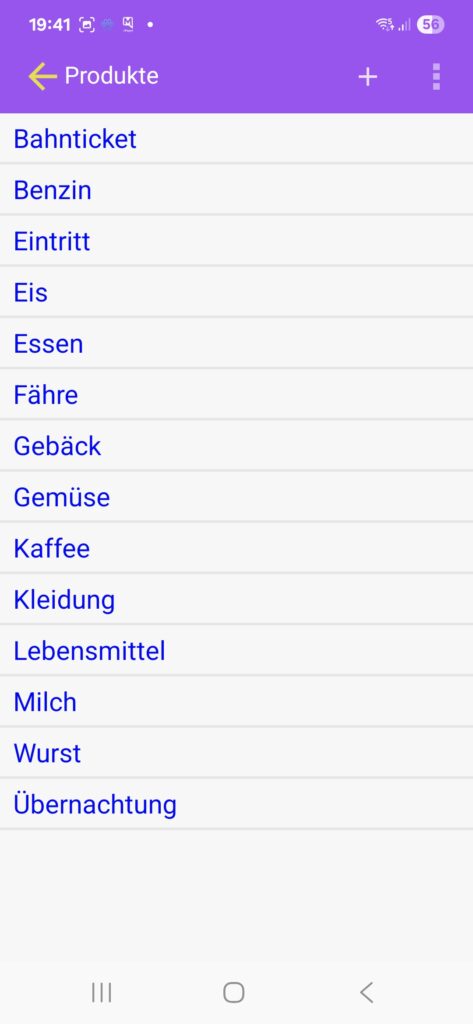
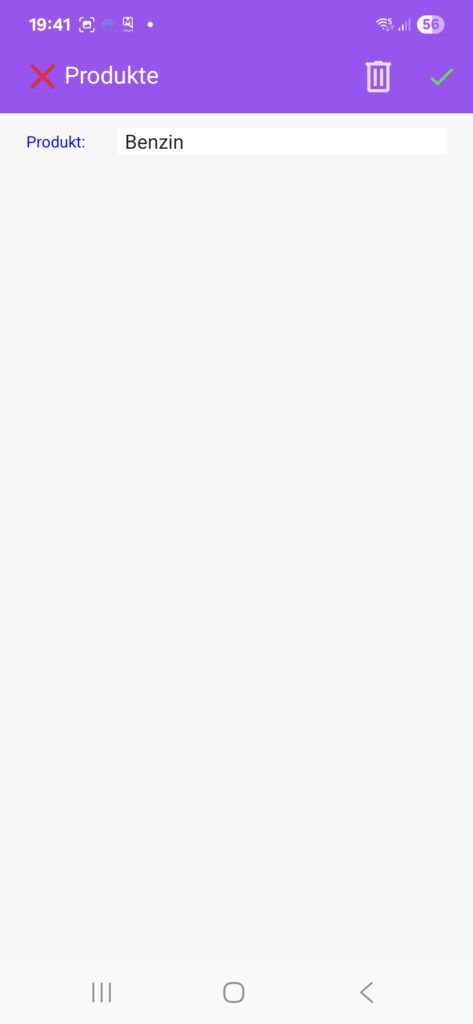
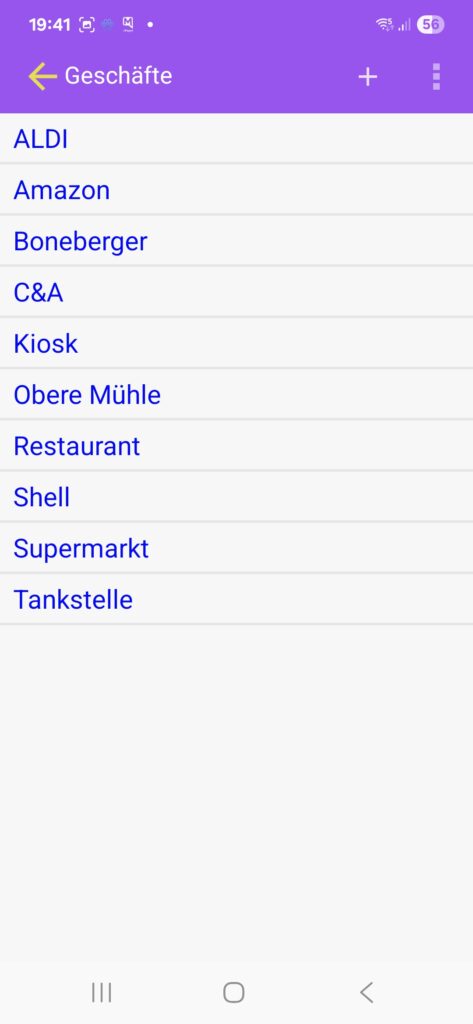
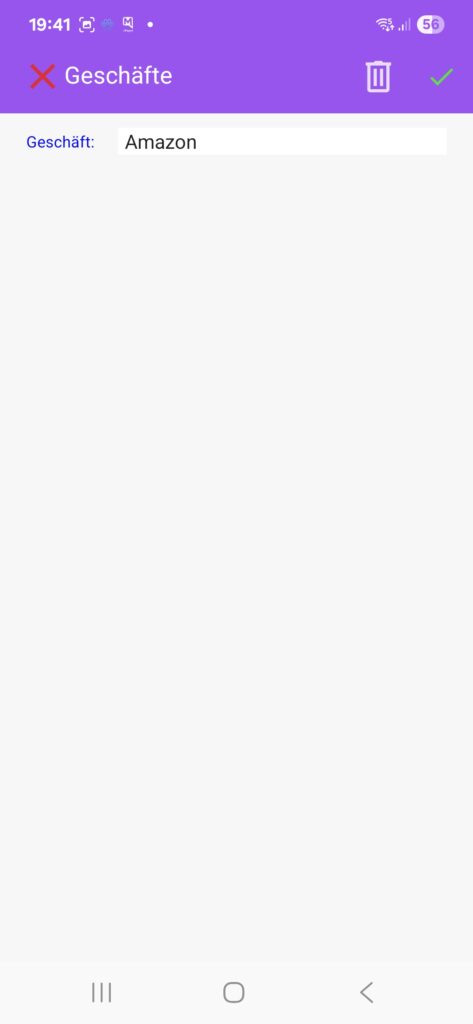
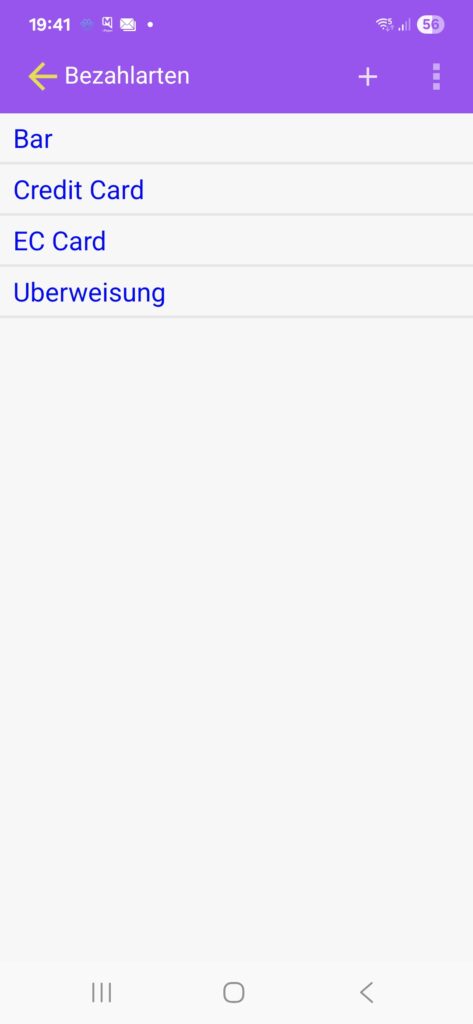
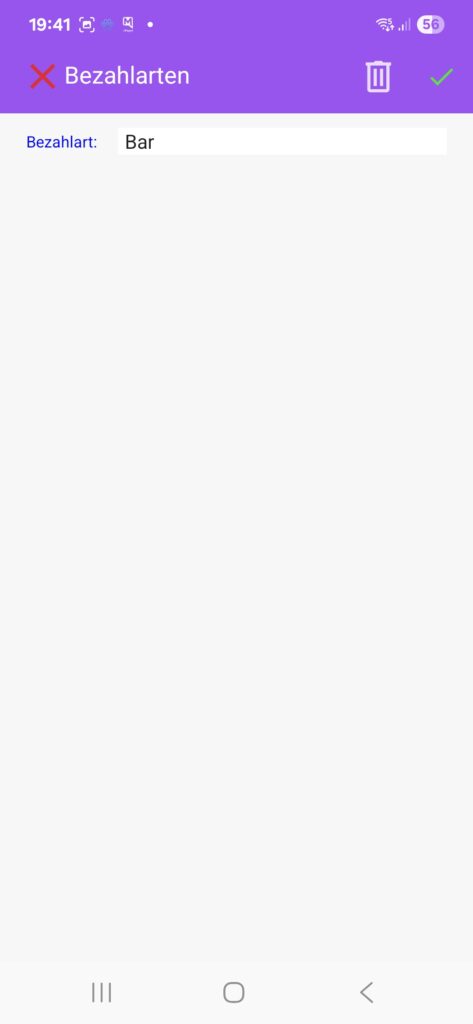
By simply creating the master data for products, stores, and payment methods, recording purchases becomes child's play.
Accounts
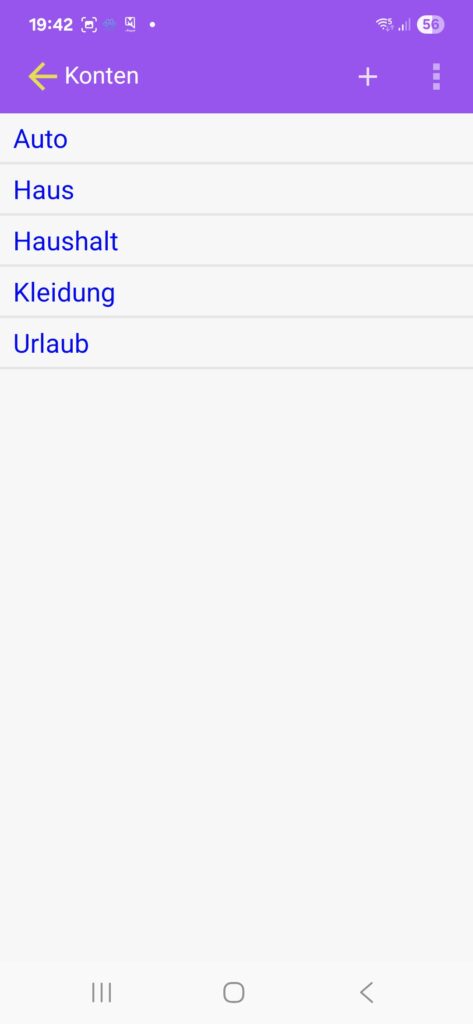
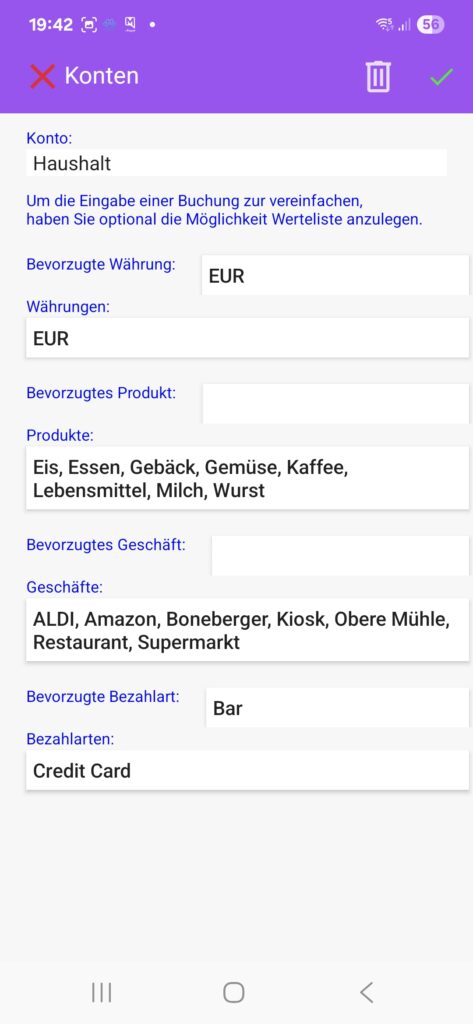
Create any number of accounts, such as household, car, vacation, etc. You can pre-populate the fields that will be filled in later in the booking and customize the list of available entries to the account. This makes entering the booking quick and efficient.
Create booking
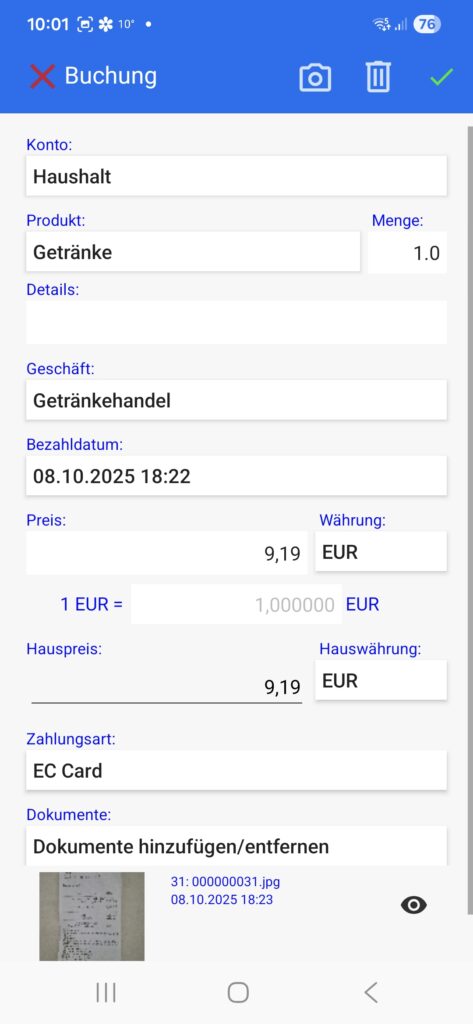
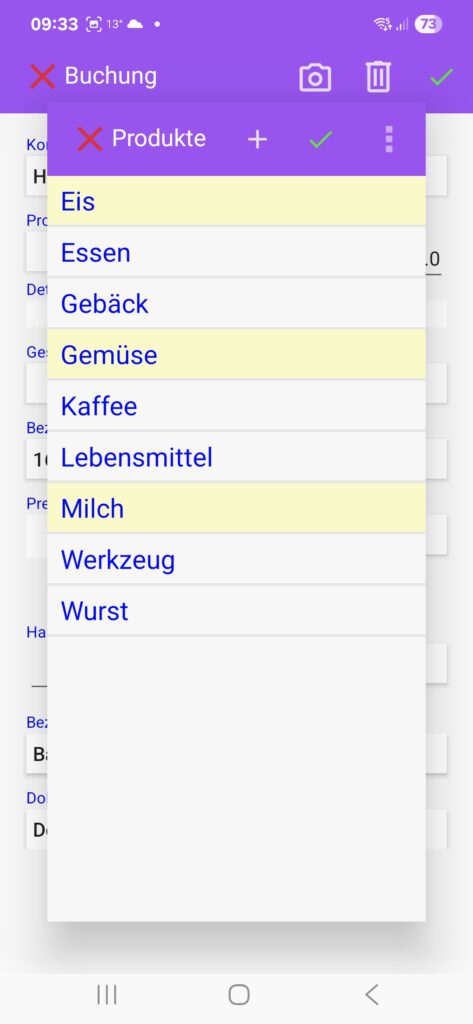
Thanks to the account settings, you can create a new booking quickly and effectively. You can assign multiple products to a booking.
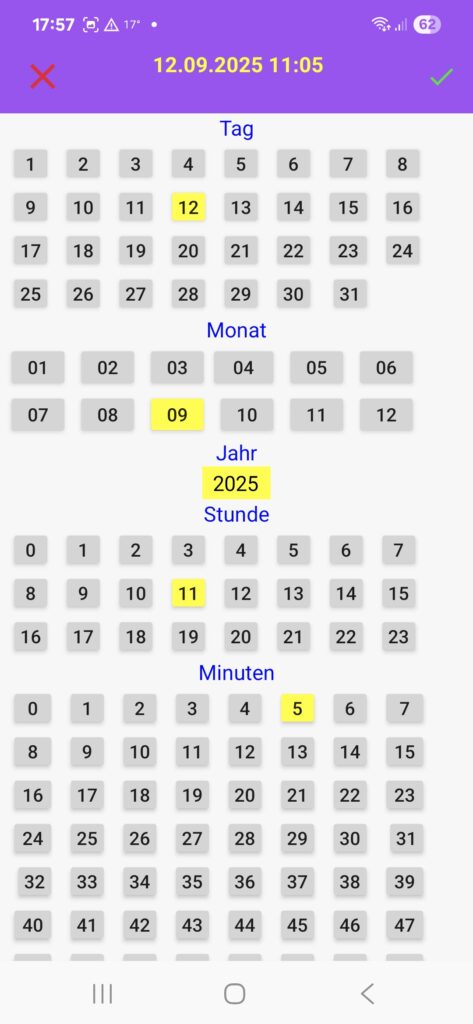
The date is automatically filled in. Should it ever need to be adjusted, the date and time are entered without tedious spinner wheel rotation. In the settings, you can set the date format with or without the time.
Any number of documents captured with the camera can be assigned to each booking.
Similarly, a photographed receipt can be assigned to multiple bookings, for example, if you want to post the receipt to different accounts.
Currencies
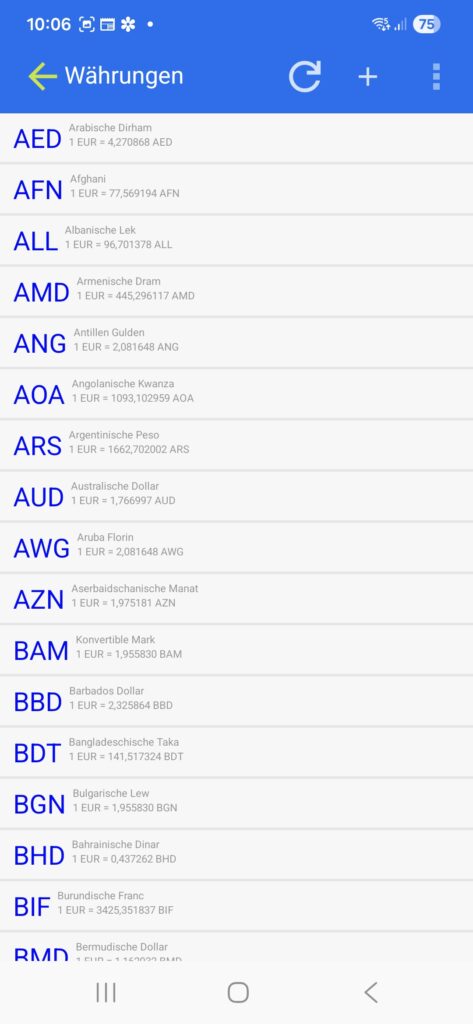
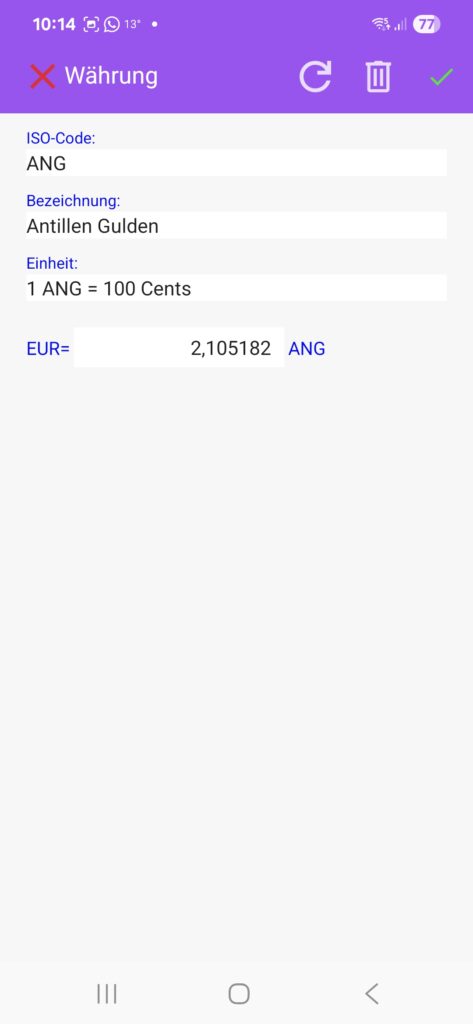
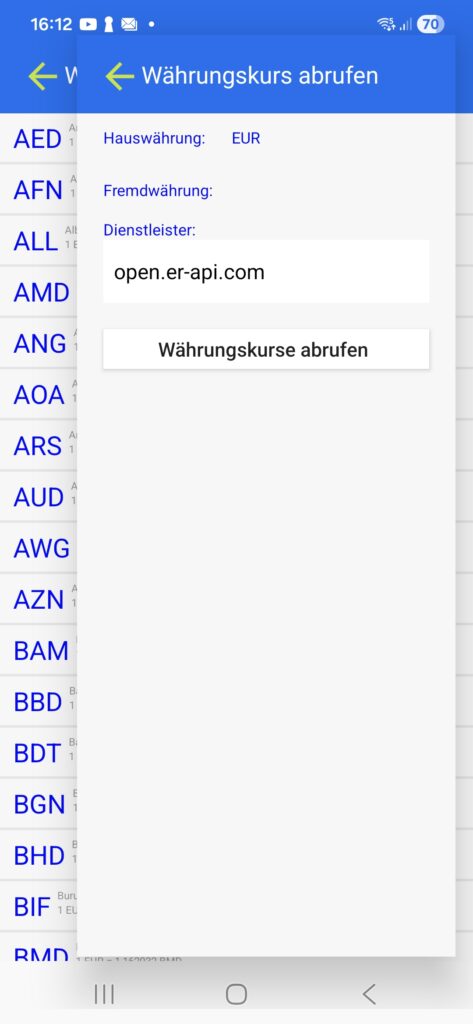
All currencies are available by default. Exchange rates can be retrieved manually or conveniently automatically from the internet.
Evaluations
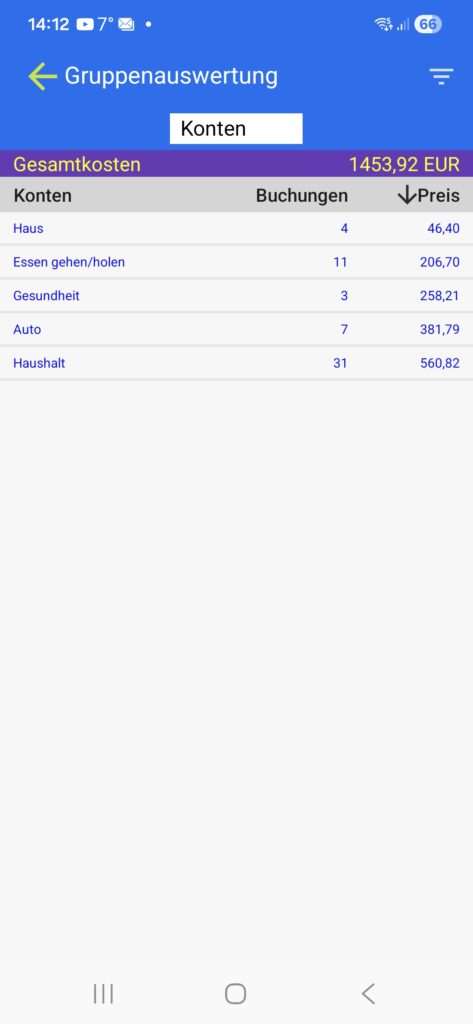
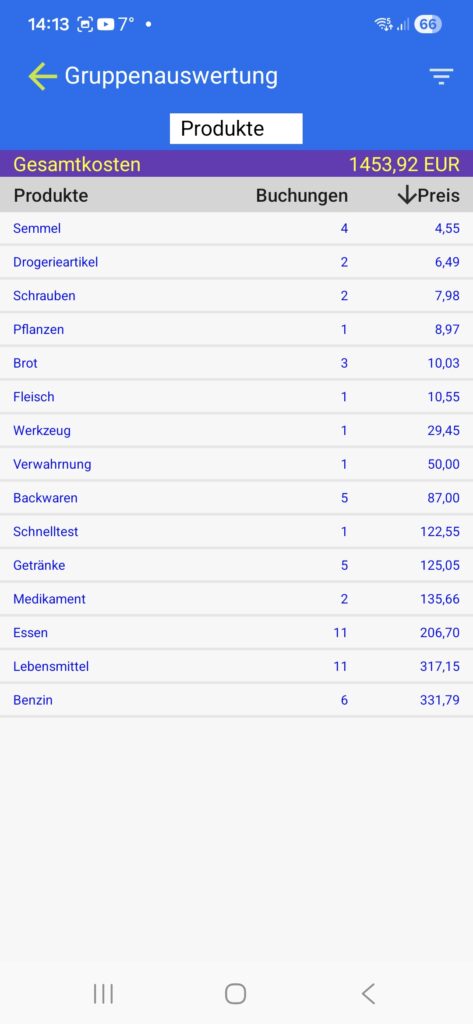
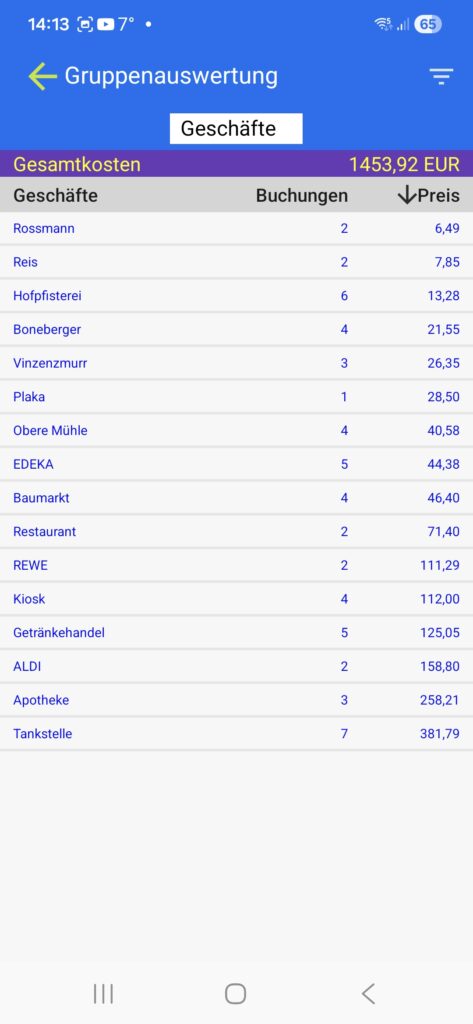
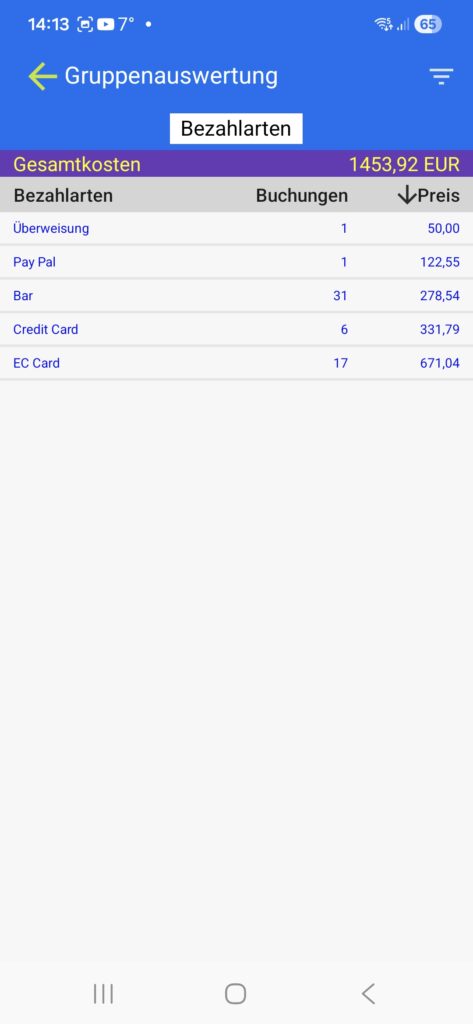
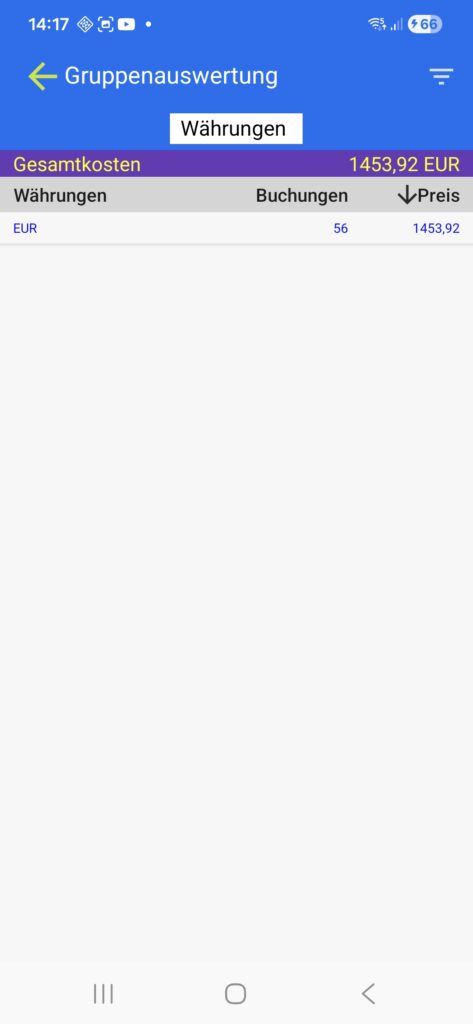
The reports provide an overview of your spending. You can view the reports by account, product, store, payment method, currency, or use the detailed filter function.
Our simple
and uncomplicated pricing
Testphase
€
0
/ 7 days
- No advertising
- No restrictions
- Full range of functions
- All updates in the test phase
Je Google Account
€
2,79
/ One-time
- No advertising
- For all devices of a Google account
- Lifetime updates
Download our app now
7-day trial without advertising
All updates during the trial period
Afterwards, a one-time fee of €2.79 including lifetime updates